.png)
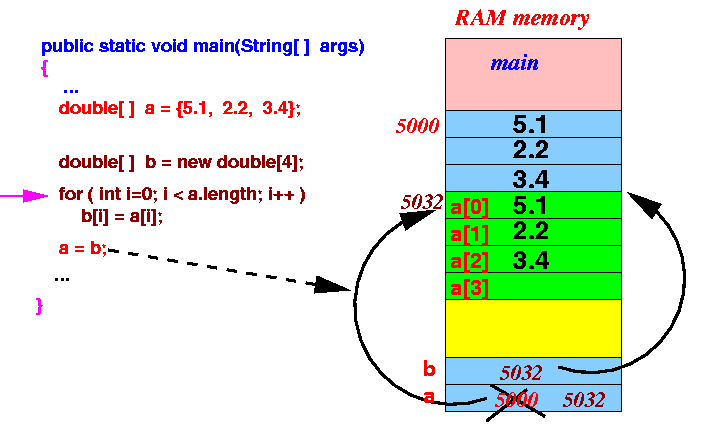
Copy One Array into Another
Problem Statement
Given an array of elements, the task is to copy all elements from one array into another array and display the copied array.
This problem helps in understanding:
- Array traversal
- Memory allocation
- Index-wise assignment
- Difference between reference copy and element-wise copy (conceptually)
Why This Problem Is Important
Copying arrays is a fundamental operation used in:
- Data transformation
- Creating backups of data
- Preventing modification of original data
- Intermediate processing in algorithms
Almost every real-world program uses array copying at some level.
Input and Output Format
Input
Original Array: [5, 10, 15, 20, 25]
Output
Copied Array: [5, 10, 15, 20, 25]
Key Concept
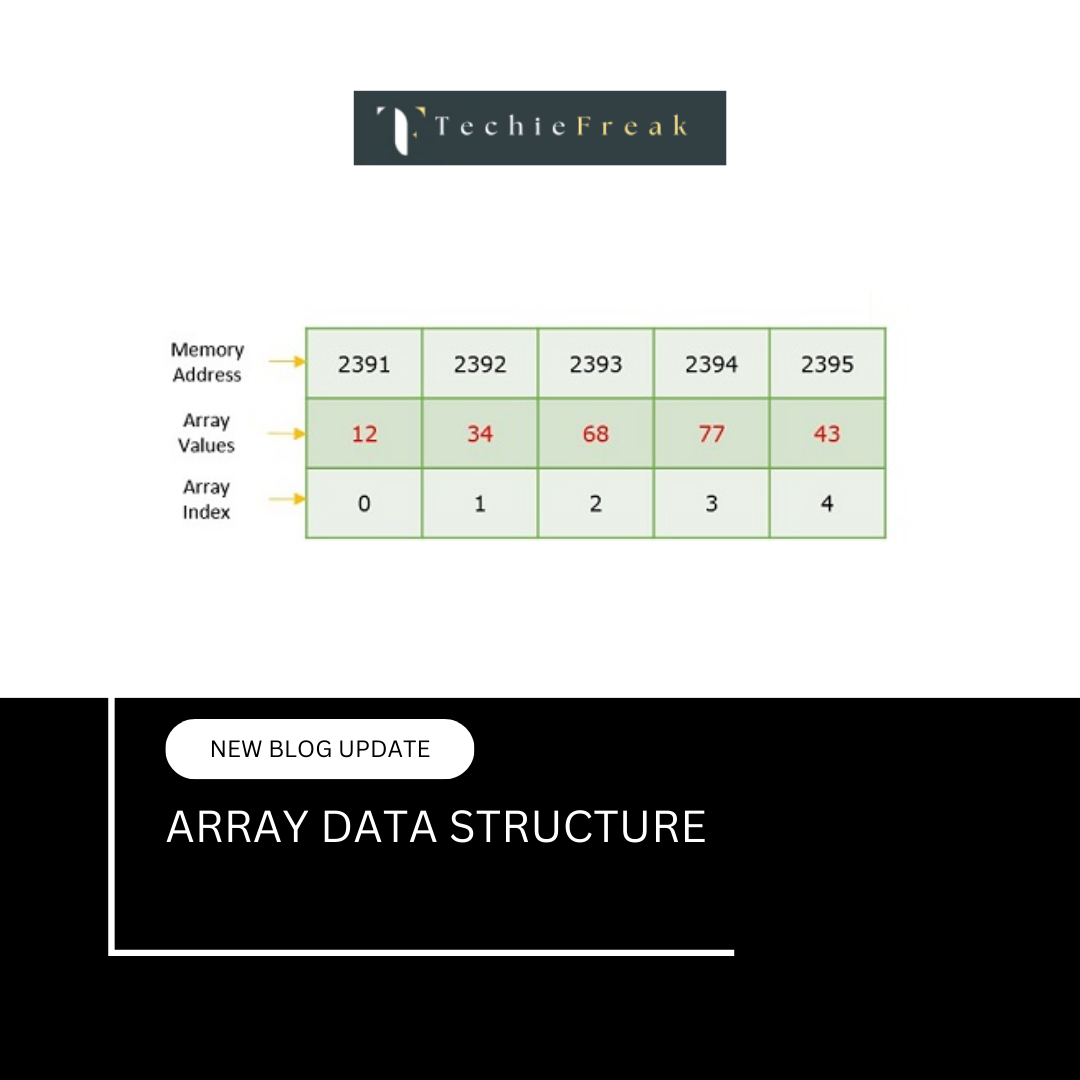
- Elements are copied one by one
- Both arrays have the same size
- Each index i in destination array receives value from source array at index i
Step-by-Step Algorithm
- Create the source array
- Create a destination array of the same size
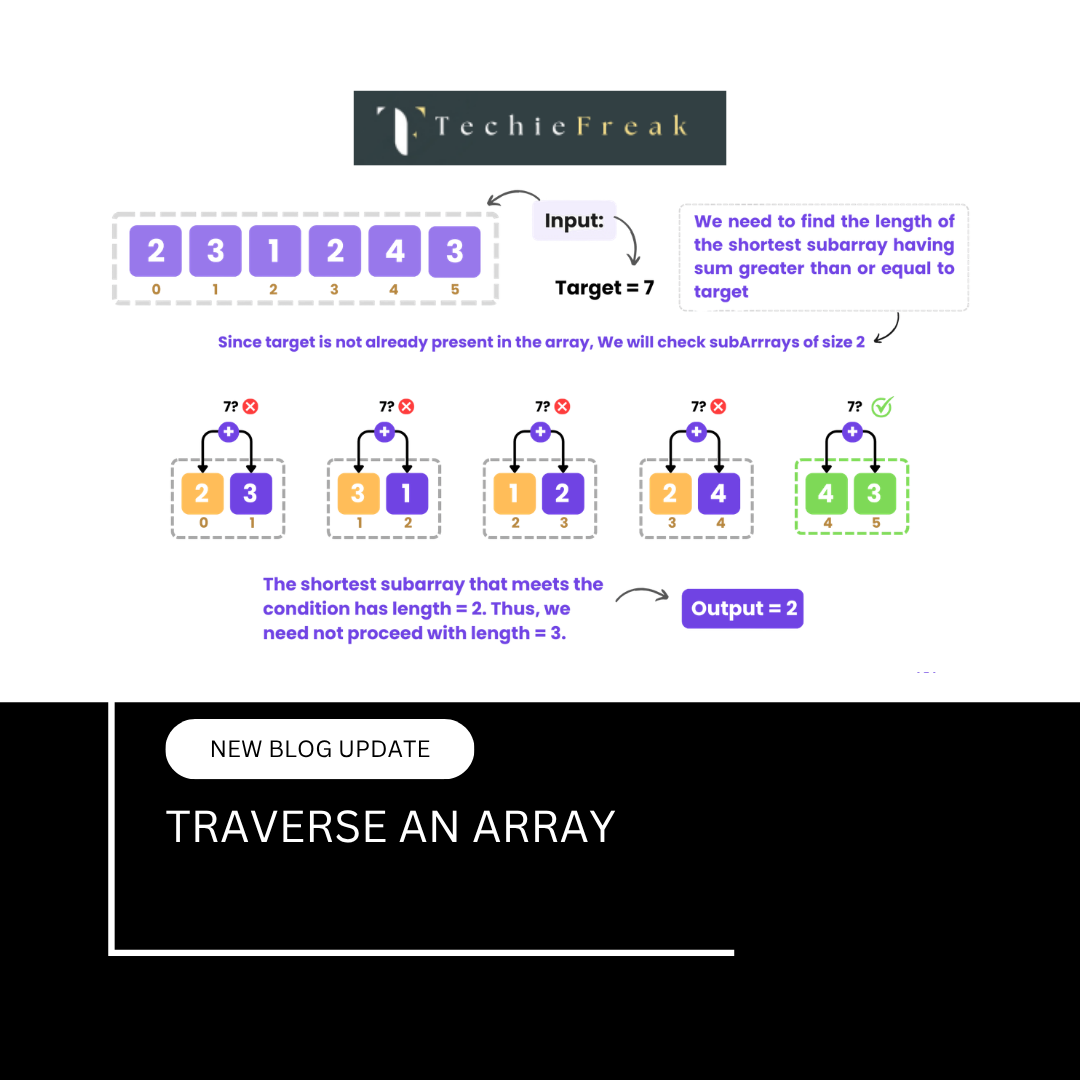
- Traverse the source array from index 0 to n-1
- Assign dest[i] = source[i]
- Print the destination array
Pseudocode
for i from 0 to n-1:
    dest[i] = source[i]
Dry Run Example
Source: [5, 10, 15]
Destination (initial): [_, _, _]

i = 0 → dest[0] = 5
i = 1 → dest[1] = 10
i = 2 → dest[2] = 15

Destination: [5, 10, 15]
Time and Space Complexity
| Metric | Value |
|---|---|
| Time Complexity | O(n) |
| Space Complexity | O(n) |
Language-wise Implementation
C Implementation
#include

int main() {
    int source[] = {5, 10, 15, 20, 25};
    int n = sizeof(source) / sizeof(source[0]);
    int dest[n];

    for(int i = 0; i < n; i++) {
        dest[i] = source[i];
    }

    printf("Copied Array: ");
    for(int i = 0; i < n; i++) {
        printf("%d ", dest[i]);
    }

    return 0;
}
Output
Copied Array: 5 10 15 20 25
C++ Implementation
#include
using namespace std;

int main() {
    int source[] = {5, 10, 15, 20, 25};
    int n = sizeof(source) / sizeof(source[0]);
    int dest[n];

    for(int i = 0; i < n; i++) {
        dest[i] = source[i];
    }

    cout << "Copied Array: ";
    for(int i = 0; i < n; i++) {
        cout << dest[i] << " ";
    }

    return 0;
}
Output
Copied Array: 5 10 15 20 25
Java Implementation
public class Main {
    public static void main(String[] args) {
        int[] source = {5, 10, 15, 20, 25};
        int[] dest = new int[source.length];

        for(int i = 0; i < source.length; i++) {
            dest[i] = source[i];
        }

        System.out.print("Copied Array: ");
        for(int value : dest) {
            System.out.print(value + " ");
        }
    }
}
Output
Copied Array: 5 10 15 20 25
Python Implementation
source = [5, 10, 15, 20, 25]
dest = [0] * len(source)

for i in range(len(source)):
    dest[i] = source[i]

print("Copied Array:", dest)
Output
Copied Array: [5, 10, 15, 20, 25]
C# Implementation
using System;

class Program {
    static void Main() {
        int[] source = {5, 10, 15, 20, 25};
        int[] dest = new int[source.Length];

        for(int i = 0; i < source.Length; i++) {
            dest[i] = source[i];
        }

        Console.Write("Copied Array: ");
        foreach(int value in dest) {
            Console.Write(value + " ");
        }
    }
}
Output
Copied Array: 5 10 15 20 25
JavaScript Implementation
let source = [5, 10, 15, 20, 25];
let dest = [];

for (let i = 0; i < source.length; i++) {
    dest[i] = source[i];
}

console.log("Copied Array:", dest);
Output
Copied Array: [5, 10, 15, 20, 25]
Important Notes
- This is a deep copy (element-wise), not a reference copy
- Changes in destination array will NOT affect source array
- Always ensure destination array has sufficient size
Common Mistakes
- Forgetting to initialize destination array size
- Using wrong loop condition
- Printing source instead of destination
- Confusing shallow copy with deep copy
Interview Perspective
Interviewers may ask:
- Difference between reference copy and element-wise copy
- How to copy arrays using built-in methods
- Copy only even/odd elements
- Reverse copy
Summary
Copying one array into another strengthens understanding of array traversal and memory handling. It is a basic yet critical building block for solving advanced array problems and real-world applications.
.png)
.png)
.png)
.png)
.png)
.png)
.png)
.png)
.png)
.png)
.png)
.png)
.png)
.png)
.png)
.png)
.png)
.png)
.png)
.png)
.png)
.png)
.png)
.png)
.png)
.png)
.png)
.png)
.png)
.png)
.png)
.png)
.png)
.png)
.png)
.png)
.png)
.png)
.png)
.png)
.png)
.png)
.png)
.png)
.png)
.png)
.png)
.png)
.png)
.png)
.png)
.png)
.png)
.png)
.png)
.png)
.png)
.png)
.png)
.png)
.png)
.png)
.png)
.png)
.png)
.png)
.png)
.png)
.png)
.png)
.png)
.png)
.png)
.png)
.png)
.png)
.png)
.png)
.png)
.png)
.png)
.png)
.png)
.png)
.png)
.png)
.png)
.png)
.png)
.png)
.png)
.png)
.png)
.png)
.png)
.png)
.png)
.png)
.png)
.png)
.png)
.jpg)
.png)
.jpg)
.jpg)
.png)
